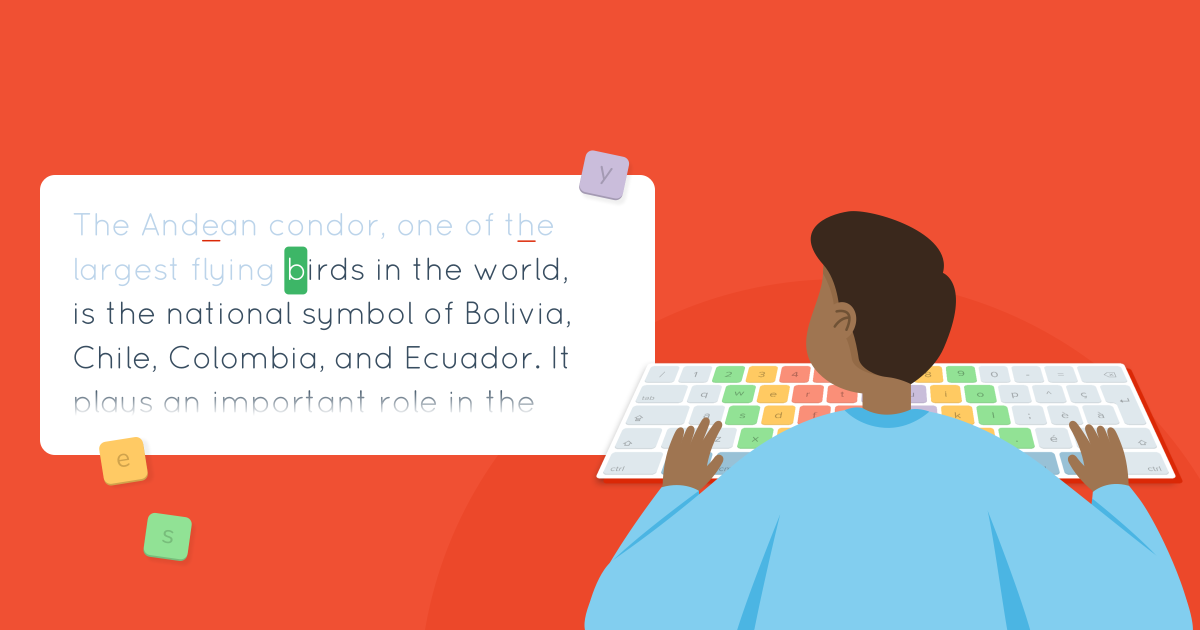
Get your students to level up from the basics to functional typing with the texts in the Move on section. They’ll type full words and sentences while boosting their skills in the process. Read on to see how to use this educational activity with your students.
Typing Pal’s text collections include 19 sections, each containing 12 texts. They feature themes and difficulty levels adapted to the age group selected: easy for ages 6–11, intermediate for ages 12–16, and difficult for ages 17+. These activities perfectly complement the exercises, which introduce students to the keys and develop their finger reflexes, by giving them a taste of the kind of day-to-day typing they will eventually have to do.
Context Is Key
The training texts give students the chance to type words and complete sentences in context. The first sections focus on useful words, while later ones consist of short, full texts on various topics, such as history, geography, important people, fun facts and language, incorporating different parts of the keyboard into the activities. This engaging and educational selection motivates students, as they get to type more realistic, concrete material.
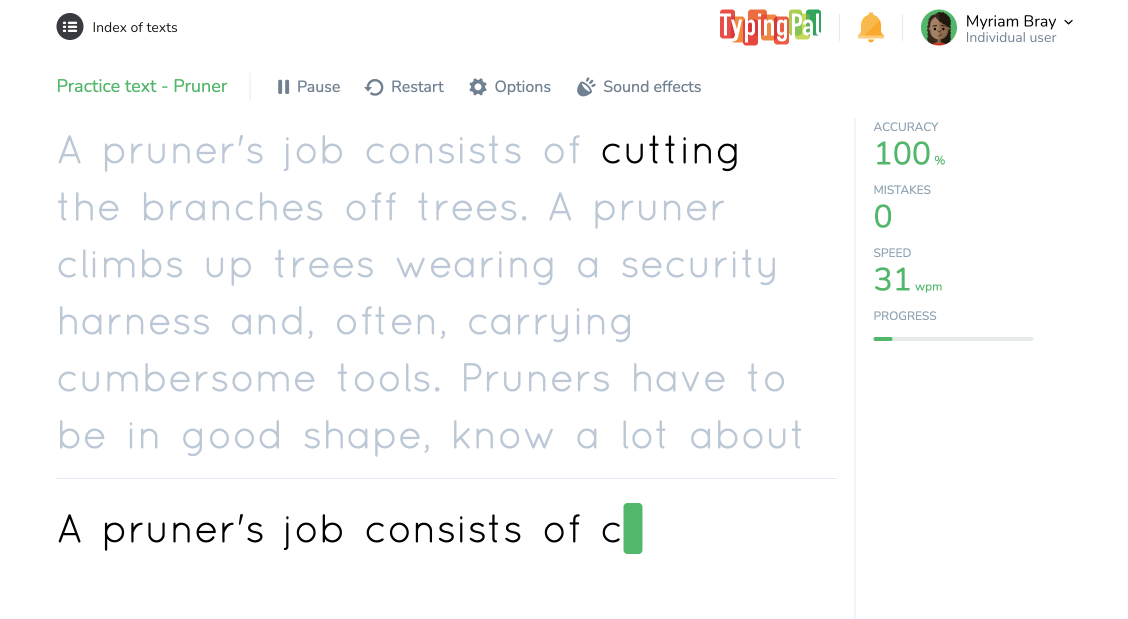
An intermediate-level training text
No Stress, Just Press
Additionally, the texts are typed in a no-pressure environment. Unlike the exercises in the Learn tab, they have no speed or accuracy goals. The absence of a success-failure metric helps build students’ confidence and encourages them to keep practicing. When they complete a text without making any mistakes, they earn gold stars!
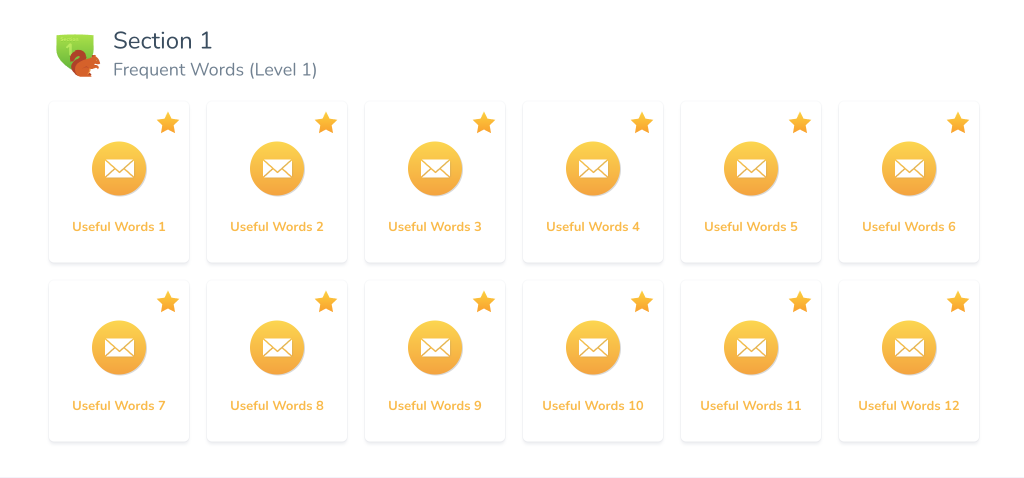
Section completed without mistakes
Escape Into Poetry Update 2026
Our latest section adds a poetic note to Typing Pal’s activities. Students get to discover classic poems and nursery rhymes as well as underrated gems, expanding their general knowledge. This collection includes excerpts from Shakespeare, Emily Dickinson and more that were adapted with care for the three age groups, providing a myriad of fun and interesting texts for students to practice with.
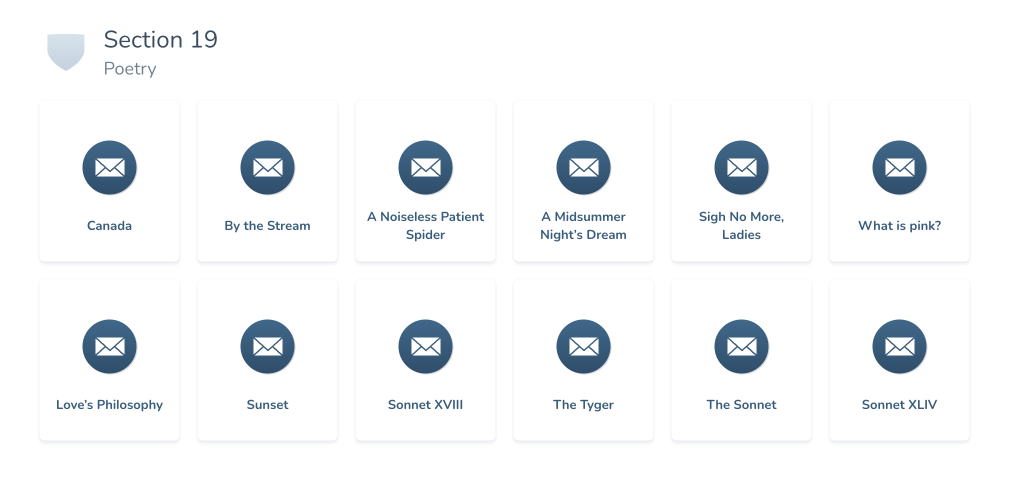
Poetry section in the collection of intermediate texts
Shift Gears by Changing Text Collections
The proposed collection matches the age group selected. However, you can assign different collections to a group, for example, if they’ve completed a collection early.
To do so, go to the Activities tab (1) in the management interface, select a group (2) and click the Collections of texts section (3). Select the collection you want to assign to that group from the menu listing all the available collections (4), then click Save (5).
-
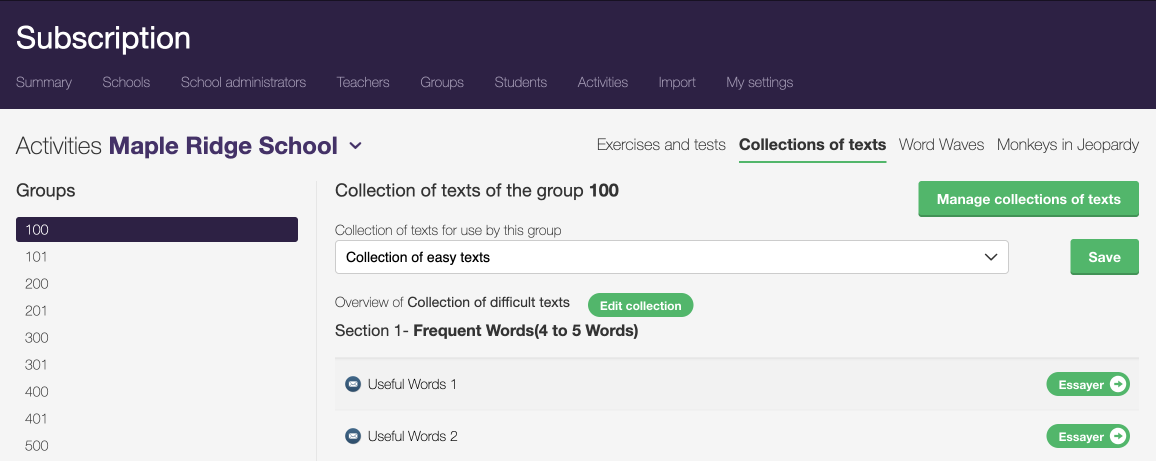
Changing the collection in the management interface
12345
Enter a New Adventure With Your Own Texts
You also have the option of adding original texts by creating a collection. This is useful if you want students to type vocabulary studied in class or to give them extra content to train with. You could even organize a typing competition, as detailed in our blog article, to provide additional motivation and opportunities for improvement to students.
Read our user guide to see how to add your own collection.
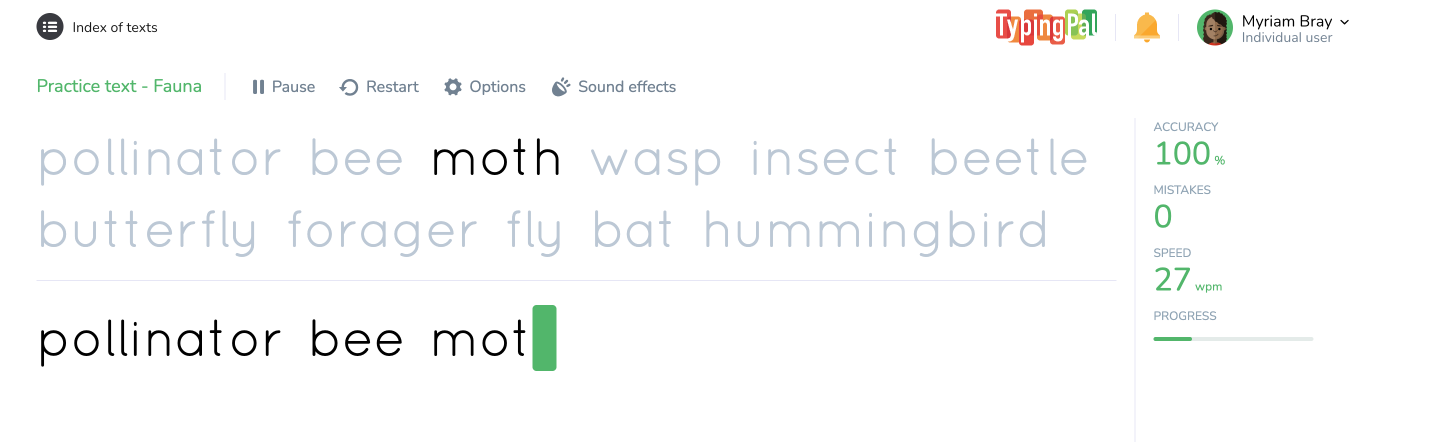
Original text collection with weekly vocabulary
The training texts offer students the chance to flex the typing technique they learned with the exercises and advance past the basics. These activities give them a glimpse at how they will type in their daily lives, with the occasional perk of enriching general knowledge. They also boost their confidence by letting them apply their skills at their own pace, without the fear of failing, and giving them the chance to perfect their typing. Adaptable and enriching, the text collections are a sure way to take your students’ typing to the next level.